








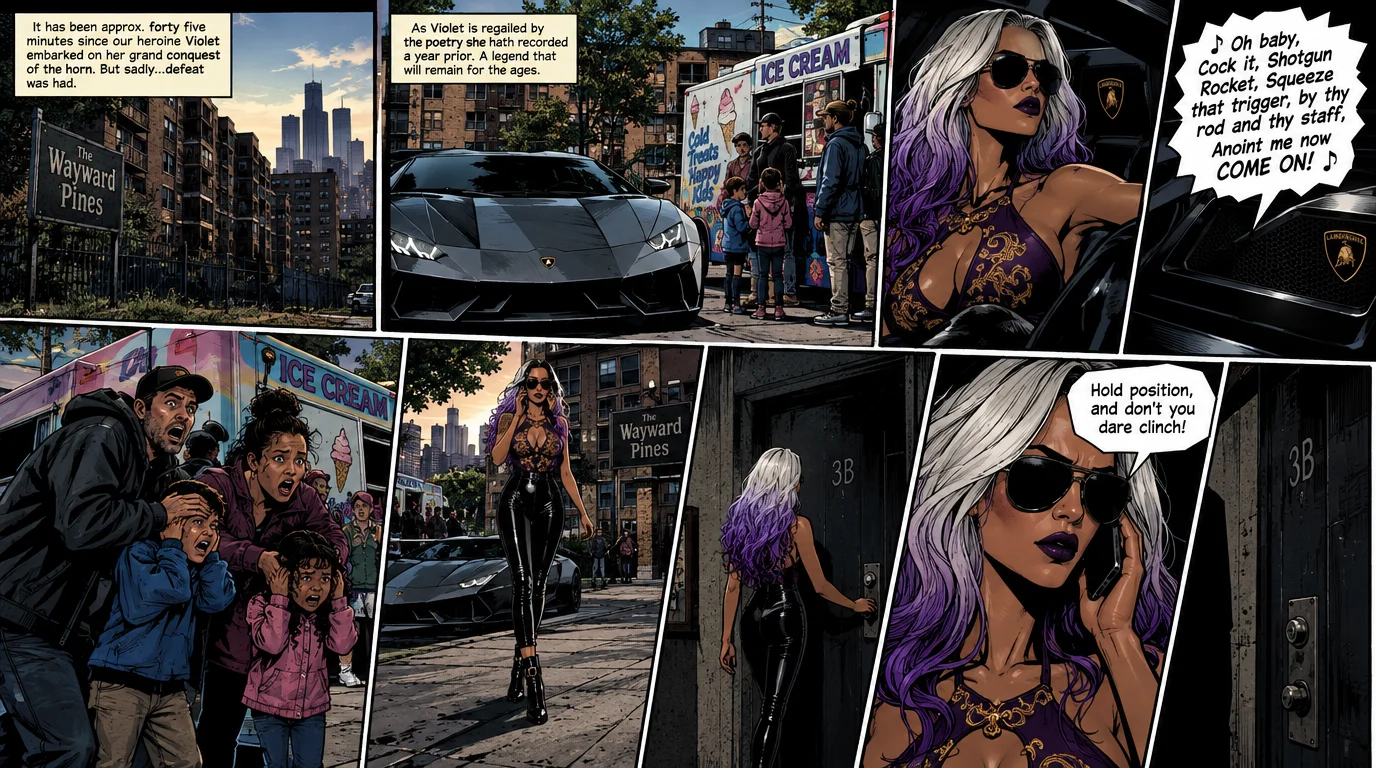
Violet and Her Empress | Issue 2 | 19 pages
First Appearance
lorem ipsum something about clean underwear and sentient carseats, lorem ipsum something about clean underwear and sentient carseats,
First Appearance
Reading
- Turn the page
- Swipe or drag, the arrow keys, or Page 1/3 and Page 3/3 below
- Jump to a page
- Tap the page number in the middle, then a page
- Full size
- The corners icon, or F. The page fills the window
- Fit to screen
- The same icon, F, or Esc
- Read down a page
- Scroll, in Full size
- Show the controls
- Hold the page, in Full size
- Close
- The cross, or Esc, back to the issue
- This help
- The question mark, or ?